KEY TAKEAWAYS
- Video analysis apps like SwingVision can identify stroke mechanics issues in under 60 seconds — faster than most players can describe the problem to their coach.
- The tools that deliver measurable improvement are ones that reinforce what a coach has already taught, not apps that try to replace the coaching relationship.
- SwingVision's AI tracks ball speed, spin rate, and shot placement, giving recreational players data that was previously only available at the professional level.
- A Lobster or Spinshot ball machine combined with a video app creates a feedback loop that can compress months of repetition into weeks.
- Most "tennis improvement" apps on the market are glorified scorekeeping tools — skip anything that can't directly connect to your current technique goals.
- The highest-ROI between-lesson investment for most players is a $15/month video analysis subscription, not a $3,000 ball machine.
- Sharing annotated video clips with your coach before each session can reduce the time spent diagnosing problems and increase the time spent actually fixing them.
Most players walk off the court after a lesson feeling like they've finally figured out their backhand. Three days later, they're making the exact same mistake. This isn't a coaching failure — it's a retention problem, and it's almost entirely preventable.
The research on motor skill learning is unambiguous: technique without repetition doesn't stick. A 60-minute lesson once a week gives you roughly 12 minutes of actual focused practice time after warm-ups, rest, and instruction. What happens in the other 10,000 minutes of the week is what determines whether your game improves. If you're serious about getting the most return from your tennis coaching investment, the tools you use between sessions aren't optional — they're the mechanism through which coaching actually works.
This guide evaluates the best tennis training apps and physical tools specifically through one lens: do they reinforce coached technique, or are they just expensive distractions?
Why What You Do Between Lessons Determines Whether Coaching Actually Works
Here's the thing about skill acquisition in tennis: your nervous system needs hundreds of correct repetitions to overwrite an ingrained movement pattern. One session per week simply isn't enough stimulus to create lasting change. Studies on motor learning consistently show that distributed practice — shorter, more frequent sessions — outperforms massed practice for retention.
So the question isn't whether you need between-lesson practice. It's whether your between-lesson practice is reinforcing what your coach taught or quietly undoing it.
This is where most players go wrong. They hit balls at the same pace, in the same patterns, without feedback, cementing the exact habits their coach is trying to correct. The right apps and tools solve this by creating feedback loops that approximate what a coach provides: video, data, and structured repetition.
Video Analysis Apps: See What Your Coach Sees
Video is the single highest-impact between-lesson tool available to recreational players. Your coach watches your swing and sees 15 things simultaneously. You feel your swing and notice almost nothing. Video bridges that gap.
SwingVision: AI-Powered Stroke Analysis for Serious Players
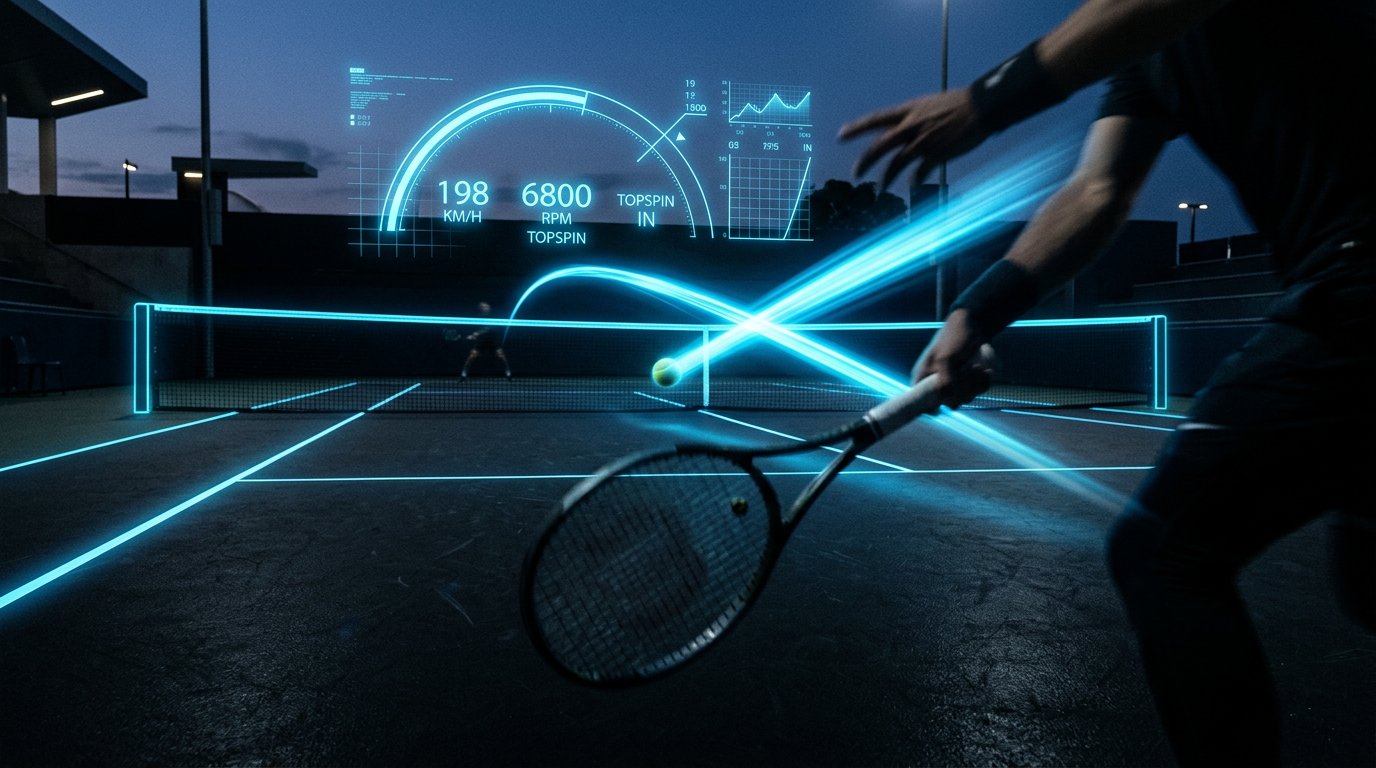
SwingVision is the most technically sophisticated tennis app currently available to non-professional players. It uses computer vision to track ball trajectory, measure shot speed (in mph), estimate spin rate, and map ball placement on the court — all from a standard iPhone camera mounted courtside.
The AI stroke analysis identifies technique patterns across multiple shots, which means it's not just telling you where one ball landed. It's telling you that your cross-court forehand averages 12% lower over the net than your down-the-line, which usually points to a specific mechanics issue your coach can address directly.
Pricing sits at approximately $99/year for the full subscription. For context, that's less than the cost of a single private lesson at most facilities. The data export features make it genuinely useful for coach-player communication: you can share annotated clips directly from the app.
Honest verdict: SwingVision is the real thing. It's the only app in this category that generates data dense enough to change how you practice, not just how you feel about practicing.
Hudl Technique: Frame-by-Frame Breakdown for Any Skill Level
Hudl Technique (formerly Ubersense) is a video analysis app built for coaches across multiple sports. For tennis, it excels at slow-motion capture and side-by-side comparison — you can overlay your forehand from last month against this month and see exactly what changed.
It's less automated than SwingVision. There's no AI calling out your elbow position. But the manual annotation tools are excellent, and the sharing functionality is clean. If your coach is already using Hudl in other contexts, this creates a seamless workflow.
Free tier is usable. Paid plans start around $10/month. I think for players who want to collaborate closely with their coach on video review, Hudl's sharing tools are actually superior to SwingVision's for that specific use case.
Coach's Eye: Best for Sharing Footage With Your Coach Remotely
Coach's Eye has been around since 2012 and remains the go-to for remote coaching workflows. Its strength is communication infrastructure: voice-over annotation, drawing tools, and a clean interface that even non-technical coaches navigate without friction.
If you're working with a coach who offers private tennis lessons via remote or hybrid formats, Coach's Eye is the most practical tool for keeping that relationship productive between in-person sessions. Pricing runs around $4.99/month or $29.99/year — the most affordable of the three.
| App | AI Analysis | Coach Sharing | Price/Year | Best For |
|---|---|---|---|---|
| SwingVision | Yes (ball tracking + stroke AI) | Good | ~$99 | Data-driven self-analysis |
| Hudl Technique | No (manual tools) | Excellent | ~$120 | Coach-led video review |
| Coach's Eye | No (manual tools) | Excellent | ~$30 | Remote coaching workflows |
Drill and Practice Planning Apps
PlayYourCourt: Structured Lesson Plans Between Sessions
PlayYourCourt operates as a coaching marketplace but also offers structured drill content organized by skill level. The between-lesson value is in its drill library: video demonstrations of specific patterns organized by technique area (net approach, return of serve, baseline consistency).
It's not a replacement for personalized coaching. But if your coach tells you to work on your approach shot footwork and you have no idea what to do with that instruction alone on a court, PlayYourCourt gives you a structured framework. Membership pricing varies, typically $30–$50/month depending on the plan.
Tennis Abstract: For Data-Driven Players Who Want Match Analytics
Tennis Abstract (tennisabstract.com) is primarily a professional match statistics database, but its methodology has influenced how data-conscious club players think about their own game. Some players use it as a benchmarking reference — understanding what professional shot selection patterns look like on specific surfaces helps calibrate your own strategic decisions.
This is genuinely useful for competitive club players and those preparing for USTA tournament play. It's not a training app in the traditional sense, but paired with match video from SwingVision, it creates a surprisingly rigorous self-coaching loop.
Physical Training Tools That Complement On-Court Coaching
Ball Machines: When They're Worth the Investment
A ball machine solves one problem: volume of repetition. If your coach has identified a specific stroke pattern to rebuild, you need hundreds of clean reps at a controlled pace. A hitting partner can't give you 200 forehands to the same spot in 30 minutes. A ball machine can.
The Lobster ball machine and Spinshot are the two most commonly recommended options for recreational and club players. The Lobster Elite Liberty runs approximately $1,500–$1,800 and offers programmable oscillation and spin variation. The Spinshot Player, at around $1,299, adds smartphone app control and pre-programmed drill sequences — which is genuinely useful for solo practice without a training partner to manage the machine.
But here's the honest math: ball machines make sense if you're practicing 3+ times per week and have specific technique goals to drill. For players hitting once or twice a week, the per-session cost of renting a machine at a club facility ($10–$20/hour at most facilities) is far more economical than ownership.
Rebounder Walls: The Underrated Solo Practice Tool
A portable rebounder wall — or access to a permanent practice wall — is the most underrated tool in recreational tennis. The return interval on a wall is roughly twice as fast as a live rally, which means you're getting double the stroke repetitions per minute. Technique breaks down under fatigue, and walls are excellent at exposing this.
For players working on flat groundstroke mechanics (as opposed to heavy topspin), walls are particularly effective. They're honest: if your contact point is late, the ball tells you immediately. Portable rebounder options run $200–$600 depending on size and frame quality.
How to Integrate These Tools With Your Coach's Feedback
The tools only work if they're connected to what your coach is actually teaching. Here's a practical integration framework:
After each lesson, record your coach's key feedback points — not the general stuff, the specific technical cues. "Lead with the heel of your hand on the takeback" is actionable. "Hit through the ball more" is not.
Film your practice sessions with SwingVision or Hudl within 48 hours of the lesson, while the instruction is fresh. Review the footage the same day.
Share one annotated clip with your coach before your next session — specifically a clip that shows either progress or a persistent problem. This changes the pre-lesson conversation from "how was your week?" to "I see exactly what's happening here."
Use PlayYourCourt drills to structure the practice session itself, selecting drills that match the technique area your coach identified.
Track shot data from SwingVision across sessions to look for directional improvement — ball speed, depth consistency, and net clearance are measurable proxies for technique improvement.
If using a ball machine, set it to feed the specific ball type your coach used in the lesson drill. Consistency of stimulus matters for motor learning.
And look, the most important piece of this is the feedback loop back to your coach. Tools that generate data you never share with your instructor are just expensive entertainment.
What to Skip: Overhyped Tools That Won't Move the Needle
Not everything marketed as a "tennis improvement tool" deserves your money or attention.
Generic fitness apps with "tennis workouts" rarely account for the asymmetrical demands of the sport. Your coach should be guiding your physical development, or you should be working with a sports performance trainer who understands tennis-specific movement patterns.
Smart racket sensors (the category that includes various clip-on and grip-embedded devices) have consistently underdelivered on their promise of stroke feedback. The data they generate is too imprecise to act on, and several major players in this category have exited the market entirely — which tells you something.
YouTube lesson channels as a primary learning tool present a specific risk: they're optimized for views, not for your specific technique gaps. Watching a video about topspin technique when your coach is trying to fix your grip will create confusion, not improvement. Use video content to understand concepts your coach has introduced, not to introduce new concepts independently.
If you're evaluating a coach and want to understand how to assess whether their instruction is actually landing, the framework in how to evaluate a tennis coach before hiring applies equally well to evaluating your own between-lesson progress.
Building Your Between-Lesson Toolkit on Any Budget
You don't need to spend $2,000 to practice effectively between sessions. Here's a tiered approach:
Budget tier ($0–$30/month):
- Coach's Eye ($2.50/month) for video capture and sharing
- Access to a practice wall (free at most public courts)
- A notebook for logging coach feedback after each session
Mid-range tier ($30–$100/month):
- SwingVision ($8.25/month on annual plan) for AI-powered stroke analysis
- PlayYourCourt membership for structured drill content
- Occasional ball machine rental at your facility
Serious player tier ($100+/month or significant upfront investment):
- SwingVision annual subscription
- Spinshot Player ball machine (amortized over 2–3 years of use)
- Hudl Technique for coach collaboration on video
The honest answer is that the budget tier, executed consistently, will outperform the serious player tier used sporadically. Consistency of practice beats sophistication of tools every time.
Start with video. Film your practice, watch it critically against what your coach told you, and share it. That single habit — implemented with a free or cheap app — will do more for your improvement than any hardware purchase.
And when you're ready to build a complete development plan around these tools, pair these tools with a qualified tennis coach for maximum results — because the data these apps generate is only as useful as the coaching framework it feeds into.
The players who improve fastest aren't the ones with the most equipment. They're the ones who practice with intention, track what's changing, and stay in close dialogue with their coach between sessions. The right apps make all three of those things easier — but they don't replace the human judgment at the center of the process.